Build an MSP automation from one prompt: AI Automation Builder walkthrough
Pia's AI Automation Builder lets you design, test, and deploy automations from inside VS Code. In this walkthrough, Ranju Manandhar, Product Delivery Lead at Pia, covers the full path, from setup to a working automation running live for a client.
In this video:
- Setting up the Pia Source VS Code extension and connecting it to your tenant with an API key from the partner portal
- Installing GitHub Copilot and choosing between the Free and Pro plans
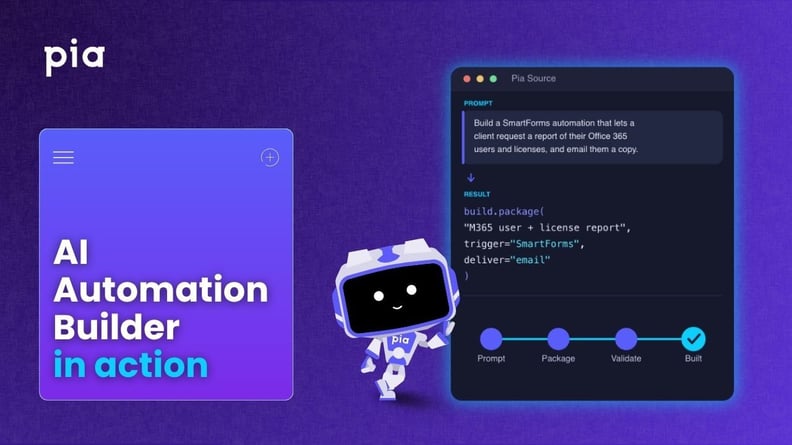
- Building a SmartForms automation from one plain-language prompt, so clients can request an Office 365 user and license report by email
- How the builder checks your sandbox for reusable assets, then generates the package and a workflow diagram
- Pushing to a sandbox, promoting to live, and feeding validation errors back into the chat to get them fixed
- Configuring the automation for a client, including the sender address with mail send permission
- Submitting the SmartForm and confirming the report arrives
Read the AI Automation Builder setup guide for full instructions, or book a call to talk through what Pia can automate for your service desk.