

Custom development & API

Build exactly what your MSP needs

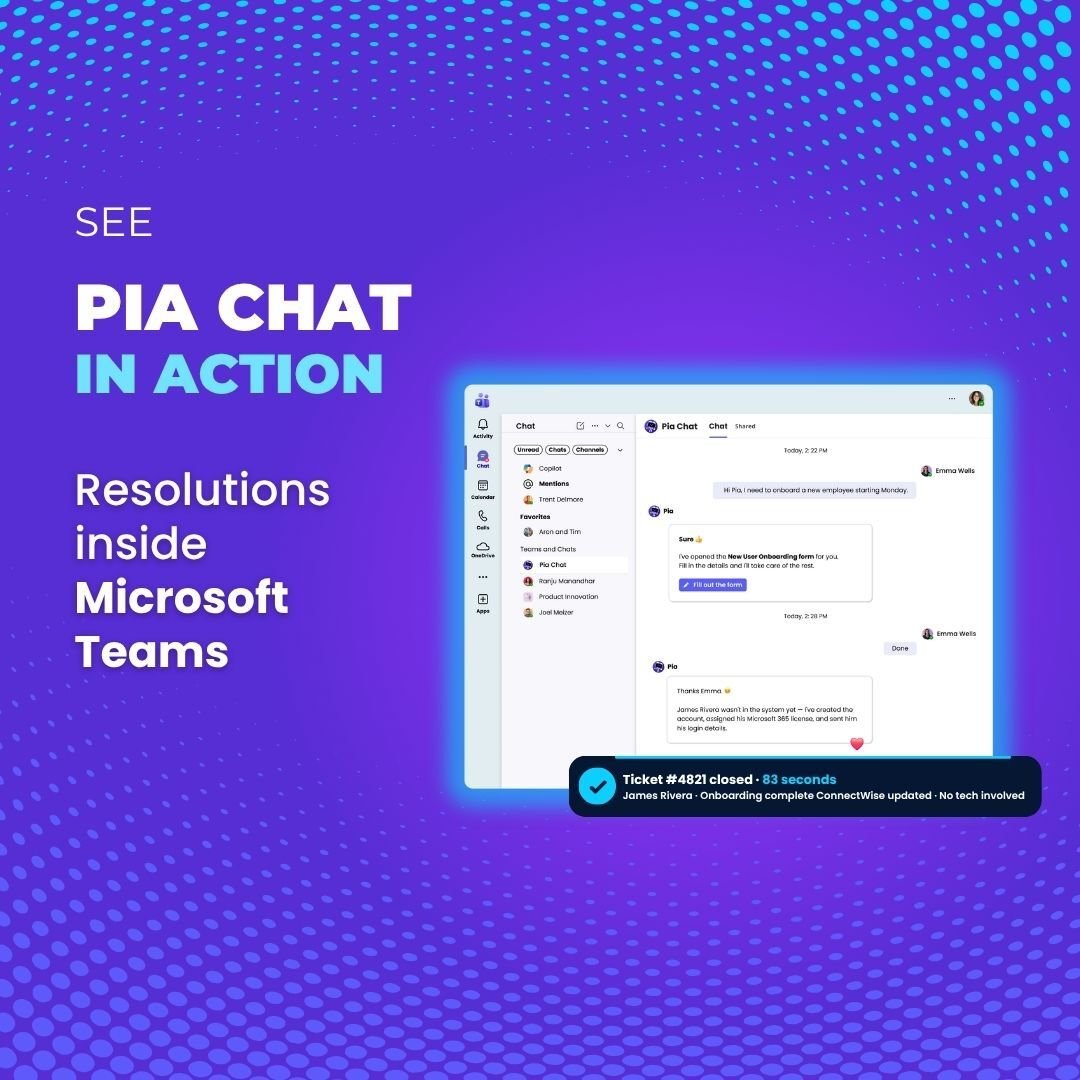
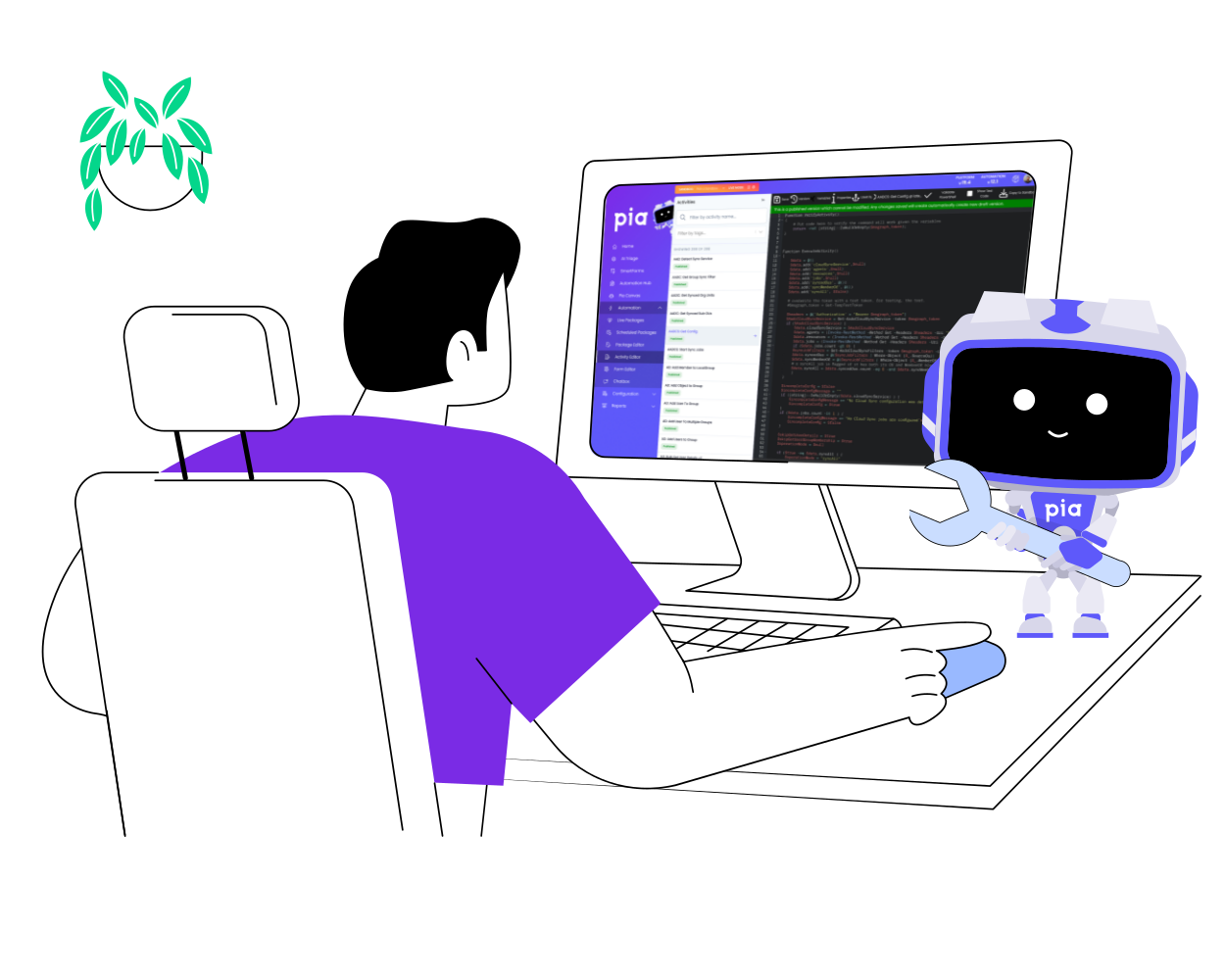
When pre-built coverage isn't enough — whether it's service delivery, finance, HR, or client onboarding — Pia gives you the configuration tools, full API access, and a VS Code-native development environment to build it, without leaving the platform.

Two ways to build.
One governed execution environment.

Every automation you build in Pia — whether through workflow configuration or direct API — runs inside the same execution engine. Consistent state management, coordinated timing, and full traceability across every workflow, without extra infrastructure.

Limitless ways to automate workflows

Custom workflow configuration

Configure automation logic to match how your client environments actually operate — without rebuilding from scratch.

  • Conditional execution paths — Define workflows that adapt across service delivery, finance, operations, and client-specific scenarios
  • Scalable configuration — Standardize settings across your client base while supporting per-client overrides
  • Any business function — Build automations for HR onboarding, billing reconciliation, compliance reporting, and client lifecycle management
  • Policy alignment — Align workflows to internal approval, escalation, and compliance requirements

This layer keeps your customization inside Pia's governed execution environment — so consistency and control are never compromised.

Build with the full API

Direct API access to configure your tenants, build workflows, and integrate Pia with the systems you already use.

  • Configure API — Manage your tenant settings, agents, and custom fields at scale, eliminating repetitive manual setup across client environments
  • Automation API — Automate workflows across service delivery, finance, and operations — beyond your pre-built coverage, reducing manual steps and context switching
  • Build API — Push and pull your automation packages between sandboxes and version control systems like Git, with full visibility over what changed and when

This layer connects Pia to the systems your MSP already runs — so you can build automation that spans platforms, tools, and teams. See the developer docs for full detail.

Build inside VS Code. Deploy directly to Pia.

Pia Source connects your local Git workflow to your Pia tenant through a VS Code extension. Pull automation packages into the editor you already use, compare versions, collaborate with code review, and push validated updates back to Sandbox before release.

It's a full development experience — not a workaround. Version history, team review, and controlled deployment built in.

Learn more about Pia Source →
Visual Code Icon

Governance & controlled execution

Automation only scales when it runs with guardrails. Pia ensures every workflow executes consistently, with oversight, traceability, and alignment to internal policy and client expectations.
settings-sliders

Policy-driven automation

Define what runs automatically, when approvals are required, and how workflows progress across environments.

shield-check

Approvals with oversight

Introduce structured control for identity, access, security, and billing-impacting actions without slowing delivery.

code-branch

Context aware execution

Ensure automations follow the correct path based on client context, user type, ticket conditions, and defined workflow logic.
inventory-alt

Full traceability

Track every action, decision, and outcome with clear visibility for compliance, QA, and operational review.

Explore what's already built

Before you build custom, check what's already covered. Pre-built automations, Pia Packs, and native integrations handle the most common workflows out of the box — so your custom work goes further.

Frequently Asked Questions

Answers to common technical questions about custom automation, APIs, and execution control.

How does custom automation differ from pre-built automations?

Pre-built automations address common, repeatable workflows and deliver immediate operational value. Custom automation extends those workflows to support advanced, cross-system, or client-specific scenarios — across service delivery and beyond.

When should we use workflow configuration versus the API?

Workflow configuration and custom development should be used for any logic that Pia runs internally. This includes orchestrating processes, transforming data, and calling external systems through their APIs. These tools are intended for situations where Pia initiates the action.

Our API should be used when an external system needs to call into PIA. This applies when another platform must trigger or start an automation, push data into PIA, or update objects managed within PIA. The API exists so outside systems can interact directly with PIA rather than for Pia to communicate outward.

This also supports event-driven orchestration that extends beyond PIA’s boundaries, where external systems need to initiate or influence workflows inside the platform.

In short:

  • Use workflow configuration or custom development for internal automation and for calling external APIs.
  • Use our API when an external system needs to trigger or modify something inside Pia.
Does custom automation affect platform stability

No. All custom automation layers operate within Pia’s managed execution framework. Execution state, scheduling, and orchestration controls remain governed by the automation engine to preserve consistency and stability.

How is tenant isolation maintained in multi-client environments?

Workflow logic, configuration, and execution state remain tenant-scoped. This ensures operational separation across clients while allowing centralized governance and policy enforcement.

How are errors handled in custom workflows?

Execution errors are logged and surfaced within the activity log in Tech Assist Bot as well as the live package screen in the pia portal. Workflows can be configured to retry, halt, or escalate based on define logic, preserving control over execution behavior.

Can custom automation introduce performance bottlenecks?

Automation is orchestrated through Pia’s execution engine, which manages timing and concurrency across workflows. Performance visibility and traceability are maintained regardless of configuration or API usage.

How can changes to custom workflows be tested and deployed?

Custom workflow changes are first developed and validated in Sandbox mode, where updates can be tested safely without affecting production environments. All modifications are version‑controlled within the platform, allowing teams to review differences, track history, and ensure changes are intentional before release.

For teams seeking a deeper development experience, our Pia Source VS Code extension provides an enhanced workflow. Developers can pull Sandbox code into VS Code, compare versions, collaborate through group code reviews, and push approved updates back to Sandbox. This creates a structured, auditable process that aligns with existing development practices.

Once validated, changes are deployed to live mode, ensuring that updates move into production in a controlled and predictable manner.


How does governance apply across all layers?

Approvals, traceability, role-based access controls, and logging apply consistently across pre-built automation, configured workflows, and API-driven orchestration. Custom automation does not bypass governance.

backgroundImage

Build automation that scales with your business

Build advanced workflows, integrate external systems, and extend automation beyond the service desk — all within a governed platform.