
Automations Catalog
Explore Pia’s comprehensive array of pre-built automations, developed for your convenience and ease of use.
%20(1).png?width=500&height=500&name=automation-first-frame%20(1)%20(1).png)
| Pia SmartForms Automations | Cloud Hybrid | Cloud Only | Prem Only | Semi Hybrid |
|---|---|---|---|---|
|
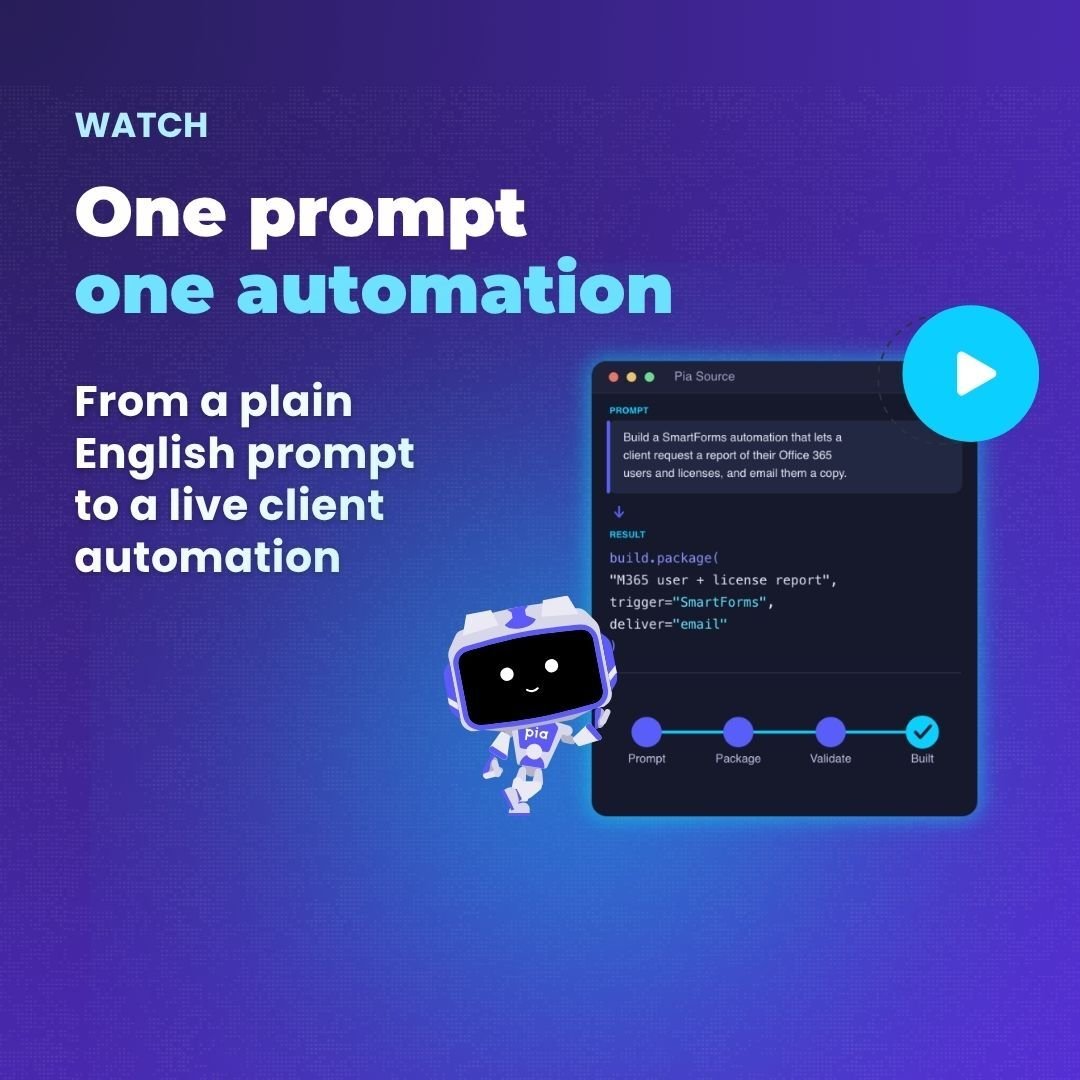
Pia SmartForms are zero-touch automations, allowing MSP's clients to submit tickets, which then trigger Pia to fully automate the request without requiring engineer oversight. |
||||
|
Account Locked Out
Enables MSP’s clients to use SmartForm to submit a request for unlocking the account, trigger the automation package without the need for engineer oversight.
Cloud Hybrid
Cloud Only
Prem Only
|
||||
|
Change Calendar Permissions
Allow MSP’s clients to furnish all requisite data via SmartForm, triggering the zero-touch automation that modifies Exchange calendar permissions.
Cloud Hybrid
Cloud Only
Semi Hybrid
|
||||
|
Create or Remove a Mail Forwarding Rule
Grants MSP's clients the ability to initiate the zero-automation process for creating or removing mail forwarding rules by submitting a SmartForm request.
Cloud Hybrid
Cloud Only
Prem Only
|
||||
|
Grant or Remove Mailbox Access
Allows your client to submit a request to modify mailbox access for a selected mailbox via a SmartForm, triggering the automation without the need for engineer oversight.
Cloud Hybrid
Cloud Only
Prem Only
|
||||
|
IT Help Request
SmartForms enabled MSP clients are automatically provided with a form, featuring general questions. Upon completion and submission by the client, a ticket is generated in the ticketing system, including the client-provided information.
Cloud Hybrid
Cloud Only
Prem Only
Semi Hybrid
|
||||
|
Reset Network Password
Allows your clients to submit a SmartForm and trigger the zero-touch automation to reset the selected user network password.
Cloud Hybrid
Cloud Only
Prem Only
Semi Hybrid
|
||||
|
Setup Out of Office
Enables the MSP's clients to submit a SmartForm and trigger the automation to set up a new Out of Office message or remove an existing Out of Office setup for the selected user.
Cloud Hybrid
Cloud Only
|
||||
|
Staff Offboarding
Allows your clients to submit a SmartForm to request and trigger the automation to terminate an existing user from their environment.
Cloud Hybrid
Cloud Only
Prem Only
Semi Hybrid
|
||||
|
Staff Onboarding (New User)
Allows your clients to submit a SmartForm to request and trigger the automation to create a New User in their environment.
Cloud Hybrid
Cloud Only
Prem Only
Semi Hybrid
|
| Manage Staff & Access | Cloud Hybrid | Cloud Only | Prem Only | Semi Hybrid |
|---|---|---|---|---|
|
Account Locked Out
This automation allows the Service Desk Technicians to unlock accounts with Pia.
Cloud Hybrid
Cloud Only
Prem Only
Semi Hybrid
|
||||
|
Add / Remove User from Groups
Efficiently manage user-group assignments, ensuring accurate and up-to-date group memberships in Azure AD.
Cloud Hybrid
Cloud Only
Prem Only
Semi Hybrid
|
||||
|
Bulk Add / Remove Contacts to Group
Streamlines group management, ensuring accuracy and synced data
Cloud Hybrid
Cloud Only
Prem Only
Semi Hybrid
|
||||
|
Bulk Add / Remove Users to Group
Streamlines group management, improves efficiency by automating membership updates, and reduces manual errors.
Cloud Hybrid
Cloud Only
Prem Only
Semi Hybrid
|
||||
|
Bulk Staff Offboarding
Automates the termination of multiple user accounts in Active Directory and Microsoft 365, ensuring fast and secure offboarding at scale.
Cloud Hybrid
Cloud Only
Prem Only
Semi Hybrid
|
||||
|
Bulk Update User Details
Streamlines bulk user updates in Active Directory, saves time and minimizes errors.
Cloud Hybrid
Cloud Only
|
||||
|
Change User Details
This package allows the Service Desk Technicians to change the details of a selected user.
Cloud Hybrid
Cloud Only
Prem Only
Semi Hybrid
|
||||
|
Create Group Package
This package allows the Service Desk Technicians to create the following types of groups: Distribution Lists, Security Groups, Mail-Enabled Security Groups, and Unified/Microsoft 365 Groups.
Cloud Hybrid
Cloud Only
Prem Only
Semi Hybrid
|
||||
|
Get User Account Details
This process lets administrators quickly retrieve, sort, and map user data, enhancing access and readability with user- friendly forms.
Cloud Hybrid
Cloud Only
Prem Only
|
||||
|
Manage User Licenses
This package allows the Service Desk Technicians to add and remove 365 licenses from the end user.
Cloud Hybrid
Cloud Only
Semi Hybrid
|
||||
|
Re-allocate User License
This process removes the manual complexities of managing Azure AD licenses and Exchange mailbox conversions.
Cloud Hybrid
Cloud Only
Semi Hybrid
|
||||
|
Re-enable Terminated Account
This package will re-enable an already terminated account, reassign licenses, and reset the account passwords.
Cloud Hybrid
Cloud Only
Prem Only
|
||||
|
Reset Network Password
The package will reset the user's account password in either Active Directory or Microsoft Office 365 or both.
Cloud Hybrid
Cloud Only
Prem Only
Semi Hybrid
|
||||
|
Reset Multi-factor Authentication Package
This package allows you to revoke user MFA sessions (requiring users to re-register MFA), remove MFA methods and check current MFA methods configured for the user.
Cloud Hybrid
Cloud Only
|
||||
|
Staff Offboarding (Terminate User)
This package will terminate a user account in Active Directory or the Microsoft Office 365 Cloud.
Cloud Hybrid
Cloud Only
Prem Only
Semi Hybrid
|
||||
|
Staff Onboarding (New User)
Streamlines and automates user onboarding processes, ensuring accurate and efficient setup of user accounts, licenses, and mailboxes
Cloud Hybrid
Cloud Only
Prem Only
Semi Hybrid
|
||||
|
Upload Staff Photo
This package allows the Service Desk Technicians to upload a photo to the end user's cloud profile.
Cloud Hybrid
Cloud Only
Semi Hybrid
|
| Email & Calendar | Cloud Hybrid | Cloud Only | Prem Only | Semi Hybrid |
|---|---|---|---|---|
|
Blacklist Email
Streamlines email blacklist management and automates interaction with Exchange
Cloud Hybrid
Cloud Only
Prem Only
|
||||
|
Blacklist Email (Manage Protect)
Efficiently manage and maintain email blacklist and whitelist with an automated workflow for Pia and Manage Protect users.
Cloud Hybrid
Cloud Only
Prem Only
Semi Hybrid
|
||||
|
Change Calendar Permissions
Streamline Exchange calendar permissions management and enhance security
Cloud Hybrid
Cloud Only
|
||||
|
Create Shared Mailbox
This package allows the Service Desk Technicians to create a new shared mailbox.
Cloud Hybrid
Cloud Only
Prem Only
Semi Hybrid
|
||||
|
Create Mail Contacts
Efficient mail contact management and consistent directory synchronization.
Cloud Hybrid
Cloud Only
Prem Only
|
||||
|
Delete Mail Contacts
This package allows the Service Desk Technicians to delete mail contacts within the client's environment.
Cloud Hybrid
Cloud Only
Prem Only
|
||||
|
Get Mailbox Information
Through this process, users can conveniently retrieve comprehensive information about Exchange mailboxes.
Cloud Hybrid
Cloud Only
Semi Hybrid
|
||||
|
Grant Mailbox Permission
This package allows the Service Desk Technicians to change mailbox permissions on a selected end user.
Cloud Hybrid
Cloud Only
Semi Hybrid
|
||||
|
Grant Mailbox Permission in Bulk
This automated process greatly reduces the time and effort required to manage Exchange mailbox permissions manually.
Cloud Hybrid
Cloud Only
Semi Hybrid
|
||||
|
Hide Mailbox from Global Address List
This package allows the Service Desk Technicians to hide user(s) and/or mailbox(es) from the Global Address List without having to log into your customer's Exchange.
Cloud Hybrid
Cloud Only
Prem Only
|
||||
|
Modify Distribution Group Settings
This package allows the Service Desk Technicians to change the settings of a distribution group. Settings include: display name, email address & suffix, delivery management, message approval.
Cloud Hybrid
Cloud Only
|
||||
|
Outlook Mail Flow Troubleshooting
Allow Service Desk Technicians to troubleshoot mail flow problems within Microsoft Exchange and Outlook.
Cloud Hybrid
Cloud Only
|
||||
|
Recover Lost Folder in Outlook
The package allows the Service Desk Technicians to attempt to relocate folders in Outlook back to the inbox for the end user.
Cloud Hybrid
Cloud Only
|
||||
|
Release Quarantined Emails
This package releases emails from cloud quarantine systems.
Cloud Hybrid
Cloud Only
Semi Hybrid
|
||||
|
Set Mail Forwarding
Automate and simplify mail forwarding setup in Exchange and Office 365, saving time and reducing errors.
Cloud Hybrid
Cloud Only
Semi Hybrid
|
||||
|
Setup Out of Office
Allows the Service Desk Technicians to setup Out of Office message & scheduling for the end user.
Cloud Hybrid
Cloud Only
Semi Hybrid
|
||||
|
Whitelist Email
This package allows the Service Desk Technicians to allow email addresses or domains on the client's mail system.
Cloud Hybrid
Cloud Only
Semi Hybrid
|
||||
|
Whitelist Email (Manage Protect)
This workflow automates adding/removing whitelist emails, verifying blacklist entries, managing lists, and removing duplicate entries.
Cloud Hybrid
Cloud Only
Prem Only
Semi Hybrid
|
||||
|
Win10 Outlook Package
This package will allow the Service Desk Technicians to troubleshoot Outlook on the client's workstation.
Cloud Hybrid
Cloud Only
|
| Computer | Cloud Hybrid | Cloud Only | Prem Only | Semi Hybrid |
|---|---|---|---|---|
|
Computer Performance Report
This package allows the Service Desk Technicians to check the client's computer for performance issues.
Cloud Hybrid
Cloud Only
Prem Only
|
||||
|
Computer Space Clean up
Efficiently and effectively reclaim valuable storage space while optimizing computer performance.
Cloud Hybrid
Cloud Only
Prem Only
Semi Hybrid
|
||||
|
File Share Security Change
Allows the Service Desk Technicians to change file share permissions on servers.
Cloud Hybrid
Prem Only
|
||||
|
Get Software Information
Facilitates the retrieval of information on applications installed on computers via winget.
Cloud Hybrid
Cloud Only
Prem Only
Semi Hybrid
|
||||
|
Install / Uninstall / Reinstall Software
This automated workflow significantly reduces manual labor and potential errors by providing a standardized process for software management.
Cloud Hybrid
Cloud Only
Prem Only
|
||||
|
Map Network Drive Package
This page will aid the Service Desk Technicians in mapping network drives for the end user.
Cloud Hybrid
Prem Only
|
||||
|
Microsoft Teams Troubleshooter
The package reviews and actions the current Team settings and states in order to undertake some basic Teams troubleshooting.
Cloud Hybrid
Cloud Only
|
||||
|
Network Drive Troubleshooting
The package will allow the Service Desk Technicians to troubleshoot network drive connections on the end user's computer, attempting to detect and auto-resolve connection issues.
Cloud Hybrid
Prem Only
|
||||
|
OneDrive Troubleshooting
Automatically executes troubleshooting steps for efficient OneDrive issues troubleshooting by Service Desk Technicians.
Cloud Hybrid
Cloud Only
Prem Only
Semi Hybrid
|
||||
|
Restart Services
Allows an end user to seamlessly and individually restart services on a workstation and see status reports
Prem Only
|
||||
|
Troubleshoot Windows VPN Configuration
The package will allow the Service Desk Technicians to check various issues that may impact the VPN connecting successfully, such as: account locked & expired, wrong security group, VPN server address.
Cloud Hybrid
Cloud Only
Prem Only
Semi Hybrid
|
| VPN & Remote Desktop | Cloud Hybrid | Cloud Only | Prem Only | Semi Hybrid |
|---|---|---|---|---|
|
Deploy SonicWall VPN
This process simplifies VPN profile deployment to end-users and ensures a faster, more secure connection.
Cloud Hybrid
Cloud Only
|
||||
|
Log Out User from Citrix Session
Allows the Service Desk Technicians to end user’s Citrix sessions.
Cloud Hybrid
Cloud Only
Prem Only
Semi Hybrid
|
||||
|
Log Out User from Windows RDS
The package will obtain a list of users logged into the environment's RDS Session Host servers and then present log-out options for the Service Desk Technicians to select.
Cloud Hybrid
Cloud Only
Prem Only
Semi Hybrid
|
||||
|
OpenVPN Setup / Reinstall
The package allows the Service Desk Technicians to manage the installation of the OpenVPN client & VPN access security group.
Cloud Hybrid
Prem Only
|
||||
|
Remote Desktop Setup
This package allows the Service Desk Technicians to configure RDP shortcuts for the end user and optionally send an email to the end user notifying them of success.
Cloud Hybrid
Cloud Only
Prem Only
|
||||
|
Remote Desktop Troubleshooting
This package allows the Service Desk Technicians to troubleshoot RDP shortcuts for the end user. It will check for user account locked or disabled, expired password and member of the correct security group.
Cloud Hybrid
Cloud Only
Prem Only
|
||||
|
VPN Setup
Enables MSP’s clients to use SmartForm to submit a request for unlocking the Efficiently sets up VPN connections, ensuring secure and seamless access for users while keeping a log of the process., trigger the automation package without the need for engineer oversight.
Cloud Hybrid
Cloud Only
|
| General | Cloud Hybrid | Cloud Only | Prem Only | Semi Hybrid |
|---|---|---|---|---|
|
Start Azure DirSync
Ensures updated synchronization of local AD and Azure AD.
Cloud Hybrid
|
||||
|
Send SMS to User
This package allows the Service Desk Technicians to send an SMS to the end user.
Cloud Hybrid
Cloud Only
Prem Only
Semi Hybrid
|
| Printing | Cloud Hybrid | Cloud Only | Prem Only | Semi Hybrid |
|---|---|---|---|---|
|
Win10 Install Network Printer Install Printer
The package will check to determine if there are any AD printers available, as well as scan the local network for available printers, it will then allow the Service Desk Technicians to attempt to install the discovered printers.
Cloud Hybrid
Cloud Only
|
||||
|
Printer Troubleshooting Package
The package will perform troubleshooting steps against the target computer and its printers. This includes checking the print spooler status and querying the printer's state.
Cloud Hybrid
Cloud Only
|
Environments Supported
- Cloud Hybrid: On-premise Active Directory with AADC syncing to O365/Azure
- Cloud Only: Office 365/Azure and no on-premise Active Directory
- On-Prem Only: On-premise Active Directory and no Office 365
- Semi Hybrid: On-premise Active Directory and Office 365/Azure but, with no AADC sync between the two environments
Automations FAQ
Pia aiDesk’s Automations Catalog is a comprehensive collection of pre-built automations designed to enhance convenience and ease of use. It covers various categories, such as managing staff and access, email and calendar tasks, computer-related operations, VPN and remote desktop setups, as well as general automation processes.
Pia aiDesk provides automated solutions for computer-related tasks, including checking computer performance, cleaning up storage space, changing file share permissions, retrieving software information, installing, uninstalling, or reinstalling software, mapping network drives, and troubleshooting issues related to Microsoft Teams, network drives, and more.